 McHost
Your own Minecraft server on your phone
McHost turns your Android phone into a real Minecraft Java server. Create a world in a few steps, share one address and play with friends on Java and Bedrock. No PC needed.
Requires a 64-bit Android phone. Every player needs their own copy of Minecraft.
How it works
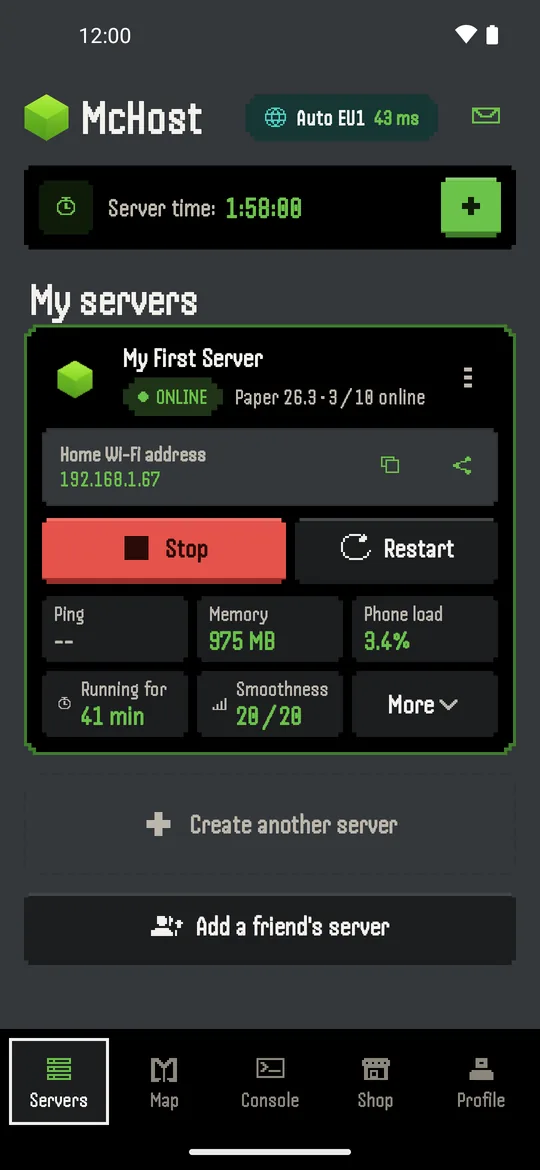
The server runs on your own phone. McHost handles the Java setup, the server software and the public address for you.
Create a server
A guide walks you through name, world, server software (Paper or a modpack), plugins, speed and players.
Press Start
The server starts on your phone. A live console shows who joined, and you can send commands.
Invite friends
On the same Wi-Fi friends join right away. Over the internet they get a public address, a code or a QR code. No port forwarding.
Everything you need for a small server
Made for playing with friends, family or a small group, without renting a server.
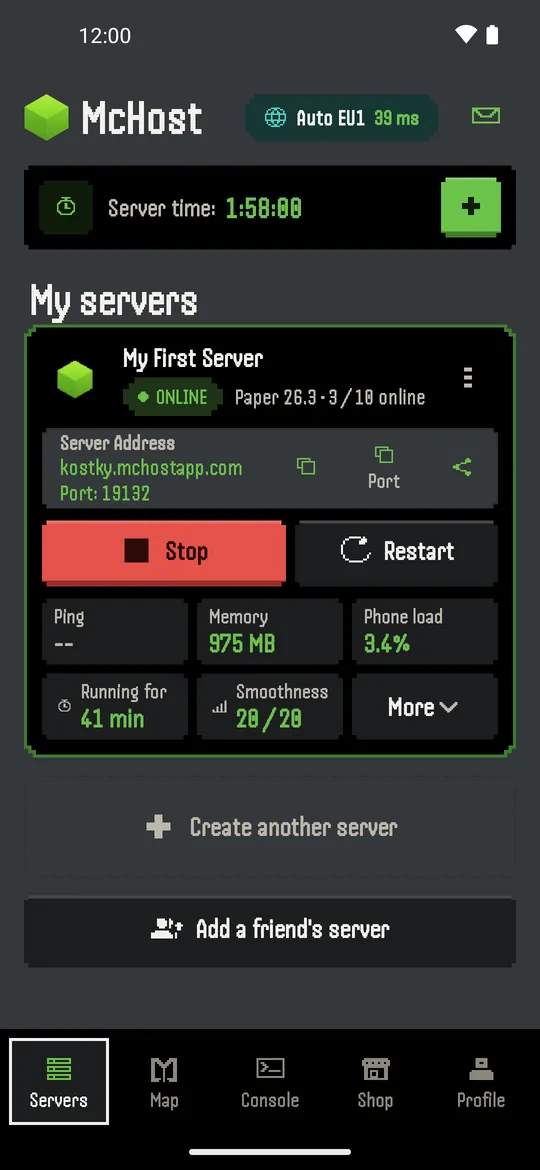
Play at home or online
Same Wi-Fi without an account. Online play with a public address under mchostapp.com.
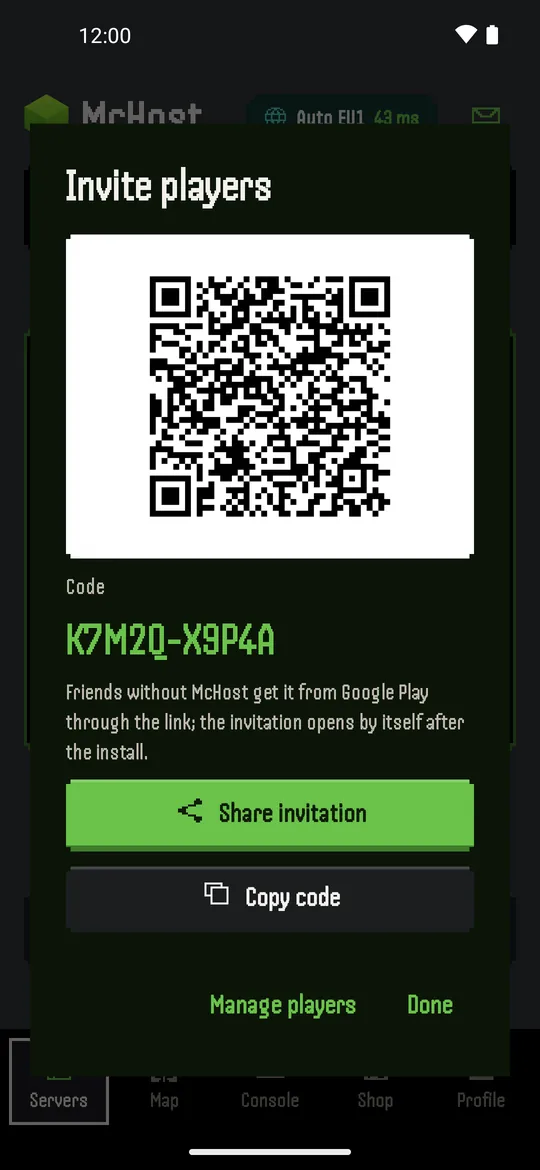
Invite friends
Share a code or QR. Friends see when your server is on and who is playing.
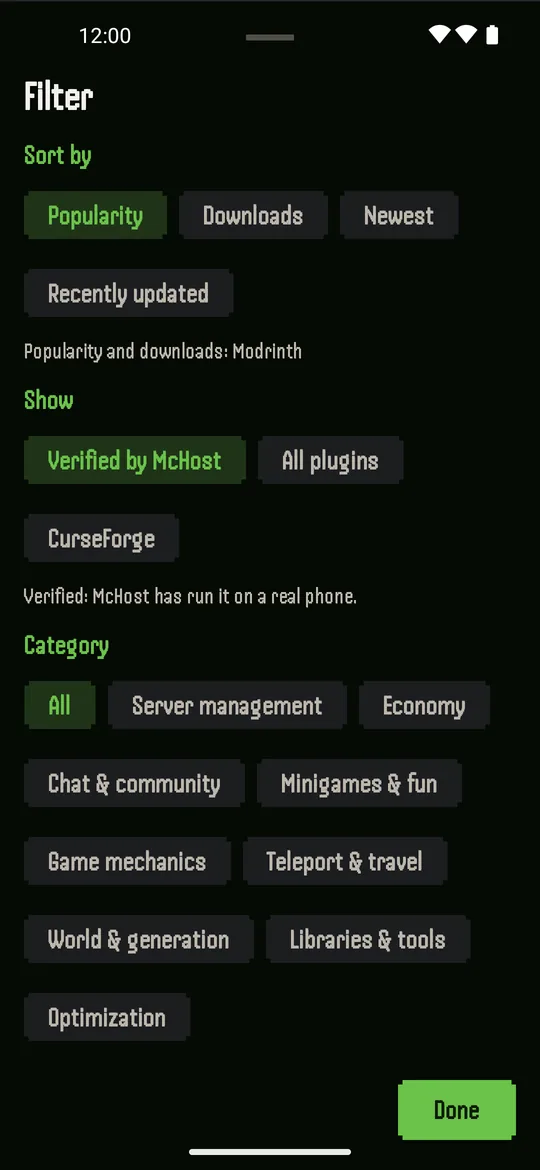
Plugins your way
Search, sort and filter Paper plugins. Plugins tested on McHost are marked.
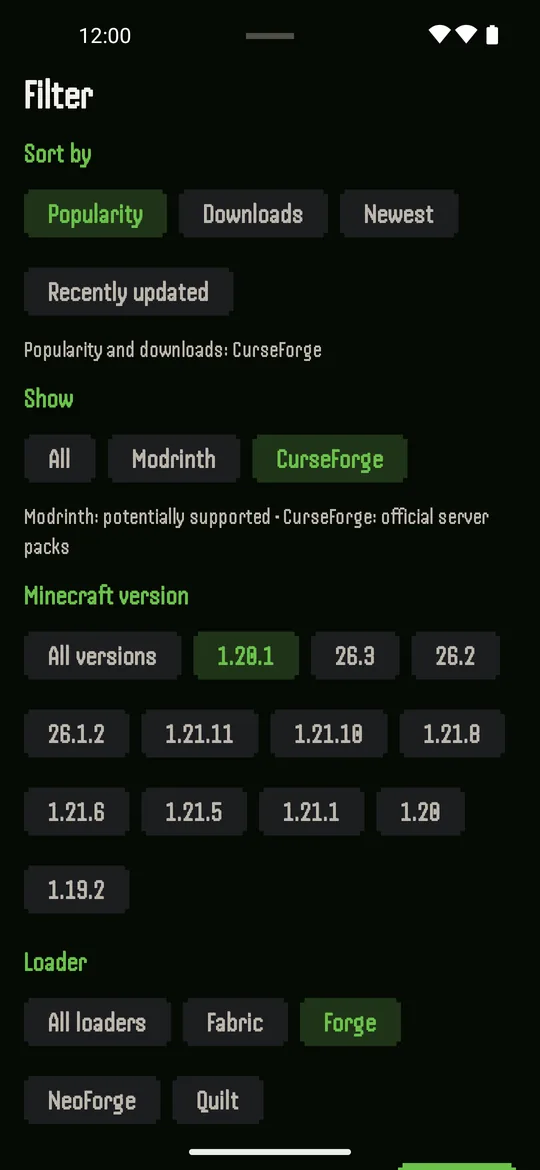
Modpacks
From Modrinth and CurseForge, filtered by Minecraft version and loader (Fabric, Forge, NeoForge, Quilt).
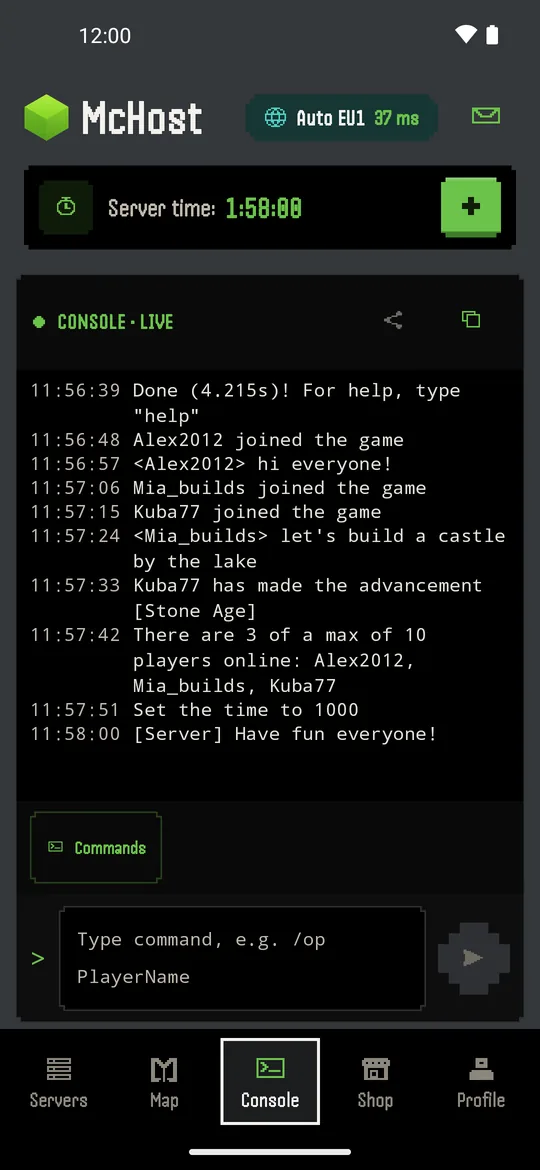
Live console
See what happens on the server in real time and send commands from your phone.
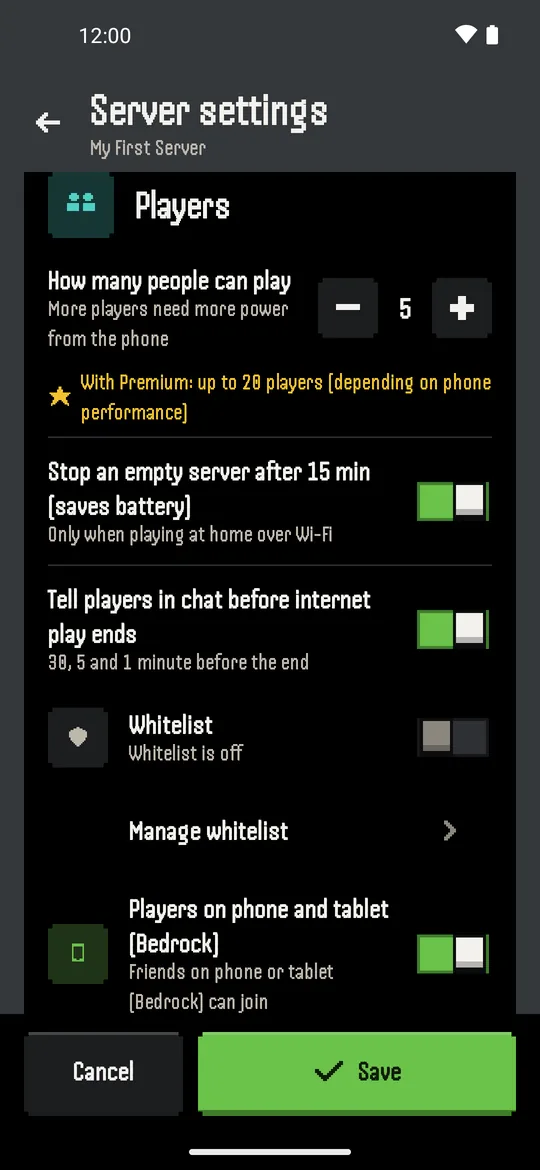
Bedrock & settings
Let phone and tablet players join, set the player limit and save battery when nobody plays.
McHost or a hosting company?
An honest comparison. McHost is great for playing with friends when you are online. For a public server that must run day and night, rent a server.
| McHost (your phone) | Free cloud hosting | Paid hosting | |
|---|---|---|---|
| Where it runs | On your Android phone | On the provider's servers | On the provider's servers |
| Cost to start | Nothing. Online time for short ads, or Premium | Nothing, often with a waiting queue | Monthly fee |
| Setup | A few steps in one app | Website and account | Website, account and payment |
| Players | Up to 10, or 20 with Premium (depends on the phone) | Varies | Depends on the plan |
| Plugins & modpacks | Yes (Paper, Modrinth, CurseForge) | Usually yes | Yes |
| Bedrock players | Yes | Often yes | Usually yes |
| Runs 24/7 | Only while your phone is on | No, stops when empty | Yes |
| Best for | Friends and family, LAN parties, trying things out | Occasional play | Big or public servers |
Plans
Download McHost from Google Play. Premium is optional and managed in your Google Play account.
Without Premium
- Home Wi-Fi play: no sign-in needed
- Online play: 2 hours for one short ad
- Up to 10 players
- Plugins, modpacks, console, backups
Premium
- No ads
- Unlimited online time
- Up to 20 players (depends on the phone)
- More servers
- Weekly, monthly or yearly subscription
Good to know
- Needs a 64-bit (ARM64) Android phone with enough memory and storage.
- Your phone must stay on while friends play. Performance depends on your phone and network.
- Minecraft is not included. Every player needs their own copy.
- You must accept the Minecraft EULA before the first start.
- Internet is needed to download server software and to play online.
- Some modpacks need the same mods on the players' computers.
Questions and answers
Can I host a Minecraft Java server on an Android phone?
Yes. McHost runs a real Minecraft Java Edition server (Paper, plugins or modpacks) directly on a 64-bit Android phone. You create the server in a step-by-step guide and start it with one tap. No PC is needed.
Can Bedrock players join?
Yes. Turn on Bedrock in the server settings and friends on phones and tablets (Bedrock and Pocket Edition) can join the same server as Java players.
How many players can join?
Up to 10 players without Premium and up to 20 with Premium. The real limit depends on how powerful the phone is; McHost warns you when the phone is overloaded.
Do I have to pay?
You can start without paying. On the same Wi-Fi friends join without an account. For play over the internet, a short ad gives 2 hours of play. Premium (weekly, monthly or yearly subscription on Google Play) removes ads and the time limit.
Does my phone have to stay on?
Yes. The server runs on your phone, so the phone must stay on and connected while friends play. For a server that runs 24/7 without your phone, a paid cloud host is a better fit.
Does it support plugins and modpacks?
Yes. You can search and install Paper plugins and modpacks from Modrinth and CurseForge inside the app. Plugins tested on McHost are marked. Some modpacks need the same mods on the players' computers.
How do friends connect over the internet?
McHost gives your server a public address under mchostapp.com, so you do not need port forwarding. Share it as a code, a QR code or a link.
Is McHost an official Minecraft product?
No. McHost is an independent app, not approved by or associated with Mojang or Microsoft. Every player needs their own copy of Minecraft.
Start your server today
Create your first world in a few minutes and invite your friends.